
 Tiếng Việt
 한국어
한국어 日本語
日本語Article
What Is a WMS? Functions, Benefits and How to Choose a Warehouse Management System

On this page
WMS (Warehouse Management System) is dedicated warehouse management software that helps a business digitise and control the whole flow of goods: from receiving and assigning storage locations, through real-time stock tracking, to picking, packing and dispatch. Using a WMS standardises operating procedures, lifts stock-count accuracy above 99% and makes the fullest possible use of the warehouse floor.
As a business grows and order volumes climb, manual records and traditional spreadsheets quickly show their limits. This article examines what a WMS really is, its core features, how it compares with Excel and ERP, and how to choose the software that best fits your budget and operating model.
1. What Is a WMS and How Does It Work?
A WMS is software designed specifically to automate and optimise everything that happens inside the four walls of a warehouse. It works by collecting data in real time through barcodes, QR codes or radio frequency identification (RFID), so managers can see exactly which aisle and which level a package sits on, and what its stock status is.
What does WMS stand for?
WMS stands for Warehouse Management System:
- A pivotal position in the supply chain: The WMS is the central operating bridge between production and purchasing on one side, and distribution and delivery to the end customer on the other.
- A leap beyond manual management: Instead of relying on a storekeeper's memory or notebooks that are easily lost, a WMS digitises all the data and directs staff to the exact put-away or pick location through a handheld device.
- Transparency over the flow of goods: It provides traceability by lot number, serial number and expiration date with near-absolute accuracy.
The warehouse activities a WMS manages
A complete WMS covers the entire life cycle of goods within the warehouse:
- Receiving and put-away: Scanning goods in, reconciling them automatically against the purchase order (PO) and checking quality at the staging area.
- Assigning storage locations: Automatically weighing up size, weight and turnover speed to suggest the best put-away position on the racking system.
- Real-time stock control: Updating increases and decreases the moment a transaction occurs, and separating sellable stock, damaged stock and items awaiting processing.
- Coordinating picking and packing: Optimising the route pickers walk, order by order or in batches, to shorten order processing time.
- Stock counts and management reporting: Supporting continuous cycle counting zone by zone without halting the warehouse, and producing reports on labour performance.
Which businesses should use a WMS?
A WMS is essential for business models with high goods throughput and complex operations:
- E-commerce businesses: Handling thousands of parcels a day with urgent packing deadlines and a high picking-accuracy requirement to avoid marketplace penalties.
- Retailers and supermarket chains: Managing tens of thousands of varied SKUs moving constantly between central warehouses and satellite stores.
- Contract manufacturing plants: Needing tight control over incoming raw materials, issue quantities to the production floor and finished goods received by batch.
- Third-party logistics providers (3PL): Running complex warehouse centres serving many storage clients at once, each with different storage and reporting requirements.
2. The Core Functions of a WMS
A modern WMS is not simply a database holding stock quantities; it is an intelligent coordinator that guides warehouse staff through every step. Combining location-allocation algorithms, wireless identification technology and data analysis removes the bottlenecks in goods in and goods out.
Managing receiving and put-away
The put-away process begins the moment a vehicle reaches the warehouse loading bay:
- Automatic reconciliation: The system scans the waybill or package code and reconciles it instantly against the advance shipping notice (ASN), spotting shortages or wrong models straight away.
- Printing and applying identification labels: Automatically generating and printing a management barcode for each pallet or carton right at the receiving door, so it can be tracked throughout its time in storage.
- Routing goods for quality inspection: Separating consignments that need testing before they are allowed into the main storage area.
Managing locations and the warehouse map
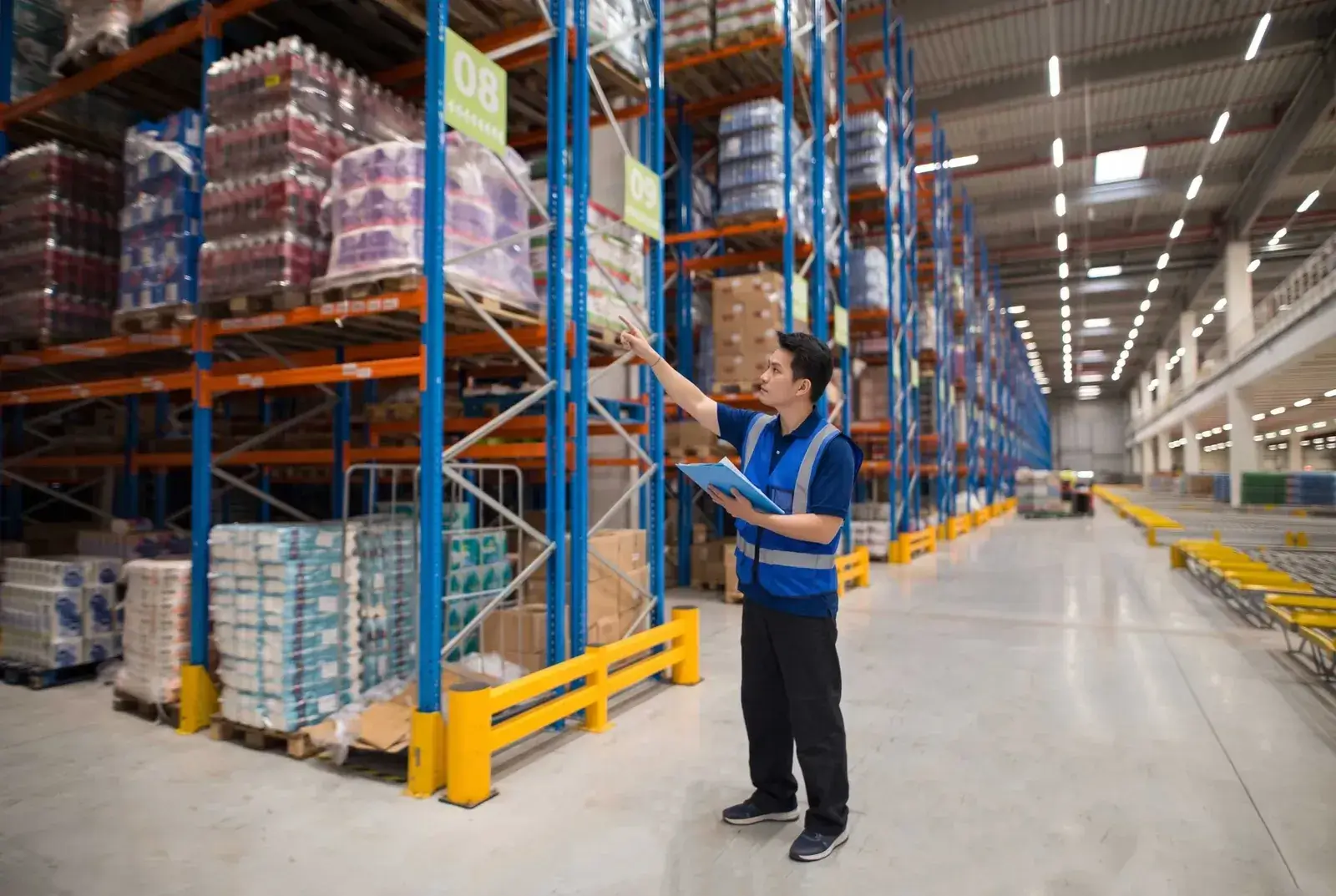
Three-dimensional location mapping maximises storage density and shortens the distance staff walk:
- Digitising the warehouse map: The system codes every zone, aisle, bay, level and bin on an intuitive coordinate system.
- Put-away location algorithms: Working from preset rules, the WMS directs the forklift driver to put heavy pallets on low levels, light goods higher up and fast movers near the main aisle.
- Tracking bay occupancy: Letting managers see exactly how many pallet positions remain free, so they can plan for incoming consignments.
Managing stock and counting
Accurate stock data is the foundation of both sales and financial planning:
- Multi-attribute stock management: Tracking each SKU in detail alongside lot number, production date, expiry date, colour, size and country of origin.
- Cycle counting: The system automatically generates a list of items to count at random each day, easing the pressure of the year-end count and limiting shrinkage.
- Safety stock alerts: Automatically notifying the purchasing team when actual quantities reach the minimum level you have set.
Managing picking and dispatch
This is the most labour-intensive stage and the most error-prone without a system to guide it:
- A range of picking methods: Supporting flexible strategies such as piece picking, batch picking and zone picking.
- Optimising the walking route: Calculating the shortest route through the warehouse so a picker can collect the items for several orders in a single pass.
- Confirmation by barcode scan: Staff must scan the product code before it goes into the carton, and the system alerts them immediately if the wrong variant or size has been picked.
Reporting and technology integration
Open connectivity makes a WMS an inseparable part of a company's technology ecosystem:
- In-depth analytical reporting: Providing metrics on each worker's productivity, order completion times and a list of items that have sat in stock without movement.
- Integration with automated hardware: Connecting smoothly to handheld barcode scanners, RFID gates, pick-to-light systems and automated guided vehicles (AGV). IoT sensors in the warehouse can also feed temperature and humidity data into the same system.
- Cross-platform data synchronisation: Two-way connection with the company ERP, transport management software (TMS) and the major e-commerce marketplaces.
3. Benefits, and WMS Compared With Excel and ERP
Moving from manual methods to a WMS brings a marked step up in productivity and supply-chain accuracy. A business does need to understand where the functional boundaries lie between a WMS, an Excel spreadsheet and a full ERP, however, to avoid overlapping investment or misplaced expectations.
The standout benefits of using a WMS
Research figures from the Warehousing Education and Research Council (WERC) show that adopting a WMS produces breakthrough changes:
- Stock accuracy above 99%: Removing discrepancies between the books and the shelves entirely, and putting a stop to overselling that leads to cancelled orders.
- Order processing time cut by 25% to 35%: By optimising walking routes and automating picking, a warehouse can dispatch twice the orders with the same headcount.
- Floor space savings of 15% to 20%: Making full use of rack height and allocating positions intelligently lets a warehouse hold more goods without renting more space.
- Fast traceability and recall handling: When a product quality issue arises, a business can isolate the exact faulty batch within minutes from the system's scan history.
Comparing WMS, Excel and ERP
The table below makes clear how these three common management tools differ in nature:
| Criteria | Excel spreadsheet | Dedicated WMS | Full ERP system |
|---|---|---|---|
| Management focus | Recording data in tables. | Deep focus on operations inside the warehouse. | Comprehensive management of every department. |
| How it updates | Manually, line by line. | Automatically and instantly by scanner. | Updates by document transaction. |
| Managing rack locations | Very difficult, entered by hand. | 3D map with automatic location guidance. | Managed at the general warehouse-list level. |
| Optimising picking routes | Not supported at all. | Has a shortest-path optimisation algorithm. | Usually has no such feature. |
| Scalability | Very poor, lags with large data sets. | Manages hundreds of thousands of SKUs and many warehouses. | Manages multiple companies and branches. |
| Investment cost | Free or extremely low. | Medium to high depending on scale. | Very high, with a long implementation. |
If your business is still at the spreadsheet stage, build a proper goods-in, goods-out and stock-on-hand file before considering dedicated software, and see how to manage inventory for an online shop to standardise the process.
When should you move to a WMS?
A business should plan a WMS rollout once it sees the following warning signs in its operations:
- The number of SKUs exceeds 500 and more than 100 goods-in and goods-out transactions occur each day.
- The rate of wrong variants picked or short deliveries to customers exceeds the safe threshold of 2%.
- Warehouse staff spend too long searching for the position of an item because there is no clear location map.
- The business is about to open another warehouse branch or expand into omnichannel selling.
4. A Standardised WMS Implementation Process
Implementing a WMS is a full digital transformation project requiring close coordination between real operating procedures, technology infrastructure and people. Rushing to install software before the source data has been standardised is the leading reason WMS projects fail or are rejected by warehouse staff.
Step 1: Assess the current state of the warehouse
A site survey identifies clearly which bottlenecks the software needs to solve:
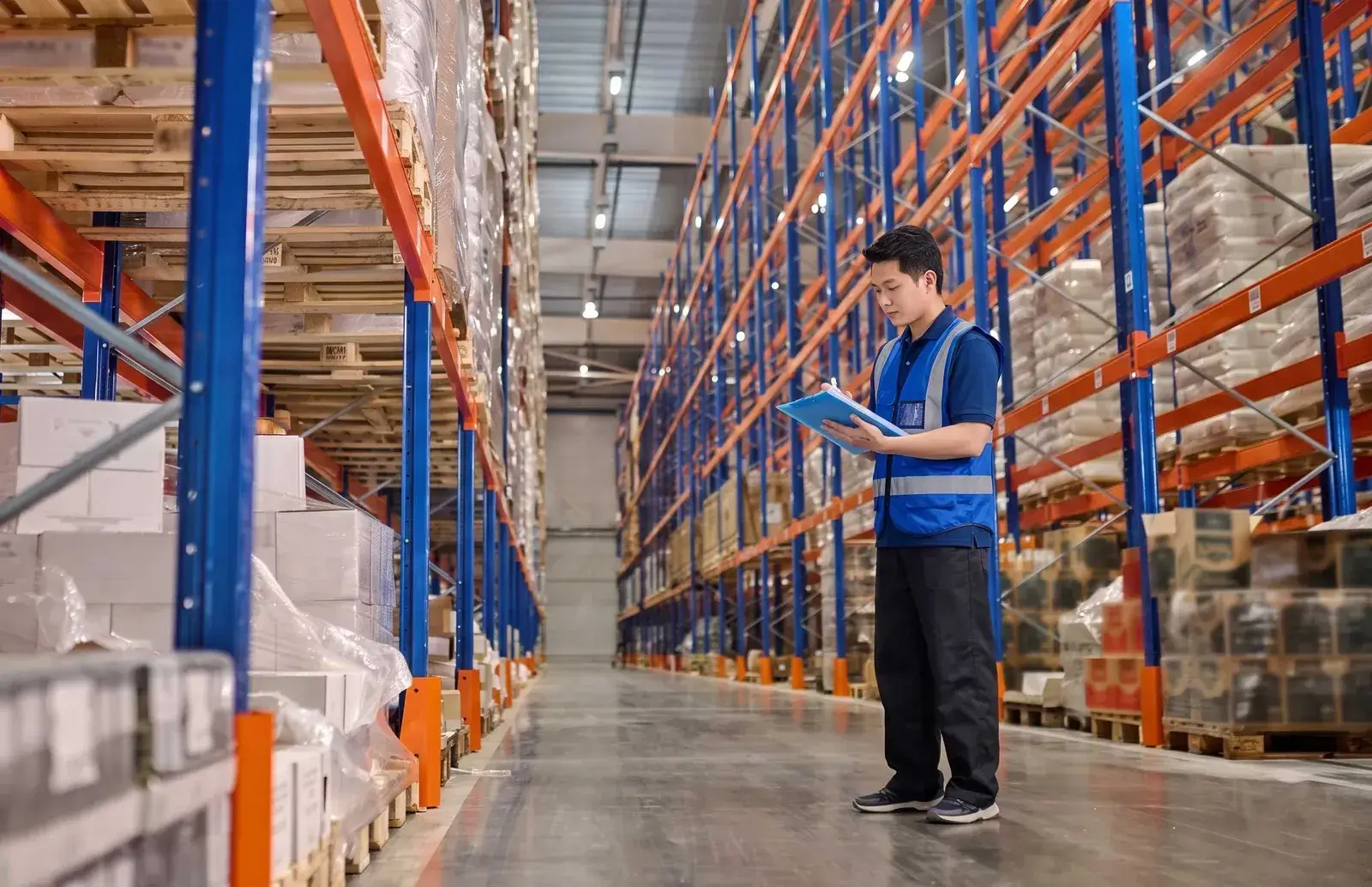
- Measure operating capacity: Measure the warehouse area, ceiling height, existing pallet positions, number of SKUs and the average daily order volume.
- Map the flow of goods: Record every step in detail, from the truck arriving at the gate through unloading, counting and storage to packing and dispatch.
- Identify the waste points: Pinpoint the stages where your team loses the most time waiting or makes the most errors.
Step 2: Standardise data and procedures
Accurate input data is the prerequisite for the software to run smoothly:
- Standardise the product list: Review every SKU, make sure each product has a unique code, and attach accurate length × width × height dimensions and weight.
- Standardise location coding: Apply reflective barcode labels to each rack level and each bin, following an international structure so scanners can read them quickly from a distance.
- Rewrite the standard operating procedure (SOP): Define clearly what each role is responsible for when working in the software, from storekeeper and forklift driver to packer. You can compare this against the seven-step standard warehouse operating process.
Step 3: Configure and integrate the system
The stage of installing the software and connecting it to the hardware in the warehouse:
- Set up the logic algorithms: Configure the rules for arranging goods under FIFO (first in, first out) or FEFO (first expired, first out) for each product group.
- Provide dedicated hardware: Supply handheld terminals (PDAs), wireless barcode scanners and industrial label printers to the workstations.
- Integrate the data systems: Connect automatic data exchange between the WMS and the company's sales software, accounting software or existing ERP.
Step 4: Train and run a pilot
Handing over the technology and testing compatibility before going fully live:
- Train staff by role: Show warehouse workers visually how to hold the scanner, how to confirm an order and how to handle discrepancies when they arise.
- Run a parallel pilot: Apply the software to one small warehouse zone or a fixed group of products for two to four weeks to test its stability.
- Correct real-world problems: Gather feedback from the people doing the work to fine-tune the interface and the sequence of taps so it is as quick and convenient as possible.
Step 5: Measure results through KPIs
Judge the project's success through specific, quantified operating metrics:
- Inventory accuracy: Comparing the actual quantity on the shelf with the quantity in the software; the target must be above 99%.
- Order cycle time: The time from an order being approved to it being packed and waiting for the carrier.
- Picker productivity: The number of order lines a worker can pick successfully in each hour of work.
5. Criteria for Choosing the Right WMS
No WMS is perfect for every business; the best system is the one that fits your scale, your products and what you can afford. Choosing software that is too heavy can turn a technology project into a cost burden, while a solution that is too simple will be outgrown within a few years.
Technical criteria for choosing a WMS
Build a demanding set of evaluation criteria before you start negotiating with solution providers:
- Flexibility of features: Does the software let you tailor the picking process and location allocation to your business, or does it force the business to change its process to suit the software?
- Connectivity and integration: Does the system come with open API endpoints to sync with Shopee, TikTok Shop, e-invoicing software and delivery partners?
- A friendly, easy-to-learn interface: The handheld interface needs to be simple and clear, with Vietnamese language support, so general warehouse workers can master it after a few days of training.
- Local technical support capability: Does the provider have engineers available 24/7 to resolve system outages quickly during peak dispatch hours?
Common deployment models
Depending on its IT strategy, a business can choose between two basic deployment options:
- Cloud-based WMS (Cloud SaaS): The software runs on the provider's cloud servers and the business pays a recurring monthly or annual subscription. This model saves on upfront infrastructure cost, deploys quickly in two to six weeks and is always upgraded automatically to the latest version.
- On-premise WMS: The business buys the software licence outright and installs it on its own physical servers. This model demands a very large upfront investment and a dedicated IT team for maintenance, but gives absolute control over the data and deep customisation for large groups.
The cost structure of a WMS investment
A complete WMS budget includes the following cost items:
- Licence or subscription fees: Paid once or monthly, based on the number of users and the number of warehouses managed.
- Implementation and consulting services: The cost of the survey, configuring business flows, programming custom features and migrating data from the old system.
- Hardware costs: Buying PDAs, wireless barcode scanners, label printers and an industrial Wi-Fi network covering the whole warehouse.
- Training and ongoing maintenance: Technical support fees, bug fixes and feature updates once the initial warranty period ends.
WMS and the question of storage space
A very common misconception among business owners is expecting WMS software to solve a shortage of warehouse space:
It needs saying plainly: a WMS is only a tool for optimising how goods are arranged and how data is managed; the software cannot create a single extra square metre or cubic metre of physical space. Once a warehouse is more than 90% full, however clever the WMS may be, goods will still spill into the aisles and choke operations.
At that point the fundamental answer is to combine the management software with expanding storage space outside, or renting a satellite warehouse to take the load off the main one. Before settling on an area, see renting storage by m³ versus m² to pick the right basis for charging.
Not sure how many cubic metres the goods you need to move out come to? Photograph your packages and let MyStorage's AI Size Estimator work it out for you:
MyStorage: flexible storage for SMEs
For small and medium enterprises, investing hundreds of millions of dong in a deep WMS and renting a large industrial warehouse is beyond the budget. In that situation, MyStorage's modern self-storage service is the ideal way to supplement space:
- Separate, secure storage space: MyStorage provides air-conditioned self-storage rooms to standard from 10m² to over 40m² in Ho Chi Minh City, so a business can easily store reserve stock, records and documents or office equipment. Preview the mini storage sizes to picture the capacity.
- A cool environment offering maximum protection: The air conditioning holds the temperature below 25°C and humidity under 60% around the clock, removing the risk of damage to high-value goods such as cosmetics, leather goods and electronic components.
- Control in your hands and optimised cost: Customers have their own access code, come and go to arrange goods as they need, and rent flexibly month by month with no long-term contract. Details of the facilities are on the locations page.
A clear statement of the service:
MyStorage provides safe, comfortable and flexible self-storage space. This model is not a 3PL logistics warehouse with WMS software that picks goods or processes orders on the customer's behalf; a business renting at MyStorage manages and sorts its own goods entirely as it sees fit.
Reference Prices for Systems and Storage
The table below summarises reference price ranges for warehouse management software and storage space services in the Vietnamese market:
| Technology / storage solution | Payment basis | Reference price | Typically suited to |
|---|---|---|---|
| Cloud WMS (Cloud SaaS) | Monthly subscription | VND 1,500,000 – 4,500,000 / month | Retailers and multichannel online shops with 2 – 5 users. |
| On-premise WMS | Outright licence purchase | VND 150,000,000 – 400,000,000+ | Manufacturers and large distribution chains needing deep customisation. |
| Handheld PDA terminals | Equipment cost | VND 5,500,000 – 12,000,000 each | Android barcode-scanning devices built for warehouse staff. |
| Air-conditioned self-storage room (MyStorage) | Space rented by the month | VND 2,800,000 – 9,500,000 / month | SMEs and online shops needing safe, cool extra storage in Ho Chi Minh City. |
Please note: the prices above are indicative for the Vietnamese market in late 2026. Actual software costs depend on the number of users, the complexity of the API connections and each business's customisation requirements. See also storage costs in Ho Chi Minh City for comparison.
Pick a storage type, size and temperature option to see today's MyStorage price instantly and book with an offer:
Digitising the Warehouse to Optimise the Supply Chain
Adopting a WMS is not simply acquiring a new software tool; it raises the operating mindset of the entire supply chain. By digitising every storage position, standardising goods in and out through barcode scanning and controlling stock in real time, a business builds a solid operating foundation, ready for the growth opportunities ahead.
Remember, though, that technology only reaches its full strength on top of a physical space that is uncluttered and meets safety standards. If you are unsure whether to store goods yourself or rent outside, the article on renting storage versus keeping things at home will help you balance the total cost.
If your business is short of storage space, or needs air-conditioned self-storage built to standard for high-value goods in Ho Chi Minh City, get in touch with MyStorage for advice on the unit size that suits you best.
This article was written by the MyStorage team, drawing on our experience running storage services in Ho Chi Minh City; last updated October 2026. The prices given here are indicative at the time of writing.
Frequently Asked Questions
What does WMS stand for in logistics?
WMS stands for Warehouse Management System, the software responsible for digitising and optimising every activity inside the warehouse.
What problems does a WMS solve for a business?
A WMS resolves discrepancies in stock quantities, wrongly picked orders, time lost searching for storage locations and the inability to track product expiry dates.
How does a WMS differ from an ERP?
An ERP manages the business as a whole, from finance, HR and accounting to purchasing, while a WMS is specialist software focused on optimising the physical operations inside the warehouse.
Do small businesses and online shops need a WMS?
A small business under 100 orders a day can start with Excel or simple sales management software; a dedicated WMS is only worth the investment once you pass 500 SKUs or handle hundreds of orders a day.
Does WMS software integrate with Shopee and TikTok Shop?
Most modern cloud-based WMS platforms support direct API connections to Shopee, TikTok Shop and Lazada, pulling orders in automatically and deducting stock instantly.
How long does a WMS implementation usually take?
With a standardised cloud (SaaS) model, implementation takes just two to six weeks; with an on-premise system involving complex customisation it can run from three to six months.
What does the cost of WMS software depend on?
The cost depends on the deployment model (cloud or on-premise), the number of concurrent users, the number of warehouses managed and the programming needed to connect to other systems.
Does a WMS give a business more storage space?
A WMS creates no extra physical space, but it optimises how racking is arranged and fills wasted gaps, raising a warehouse's effective capacity by 15% to 20%.
Does a WMS work when the internet connection drops?
Dedicated PDA terminals usually have an offline mode that buffers data; once the connection returns, the system synchronises everything scanned to the server automatically.
How does a WMS apply the FIFO and FEFO principles?
When a dispatch order comes through, the WMS directs staff to the exact location of the batch received first (FIFO) or the batch with the shortest remaining shelf life (FEFO).
Do you need your own server to use WMS software?
With the Cloud SaaS model you do not need to buy a server, as the whole system runs on the provider's cloud; you only need your own server if you choose on-premise.
Which barcode scanner works best with a WMS?
Equip your team with mobile computers (PDAs) running Android, with industrial Wi-Fi and a 2D barcode reader for fast, durable scanning in a warehouse environment.
Does a WMS support managing goods by serial number?
Yes. Professional WMS platforms all have a feature requiring staff to scan each product's serial number on receipt and dispatch, which is very useful for electronics and technology goods.
Does MyStorage self-storage provide WMS software to its tenants?
No. MyStorage provides independent self-storage rooms for customers to manage themselves; if a business already has its own WMS, it can of course use it to manage the goods inside a MyStorage room.
How do you stop warehouse staff resisting the switch to a WMS?
Run hands-on, visual training sessions, explain clearly that the software eases their workload, and build the scanner interface to be as simple as it possibly can be.
Related articles
Article
Warehouse Storage Pallets: Choosing, Stacking and Optimising Space
A guide to warehouse pallets: comparing wood, plastic and metal, ISO 6780 size standards, the difference between static, dynamic and racking load, brick-bond stacking rules, warehouse…
Read article

Article
Renting Storage by m³ or m²: Which Pricing Method Should You Choose?
Comparing storage rental by m² and by m³ in Ho Chi Minh City: what each unit measures, the formulas with worked examples, the extra fees people miss, when to choose area or volume, a…
Read article

Article
The Role of Storage in Reducing Waste
How proper storage cuts waste: why poor conditions spoil goods, how businesses control stock and track four key metrics, how households sort before discarding, and the warehouse standards…
Read article
