
 Tiếng Việt
 한국어
한국어 日本語
日本語Article
Where to Store Old Tech: Storing Laptops, Monitors and Accessories
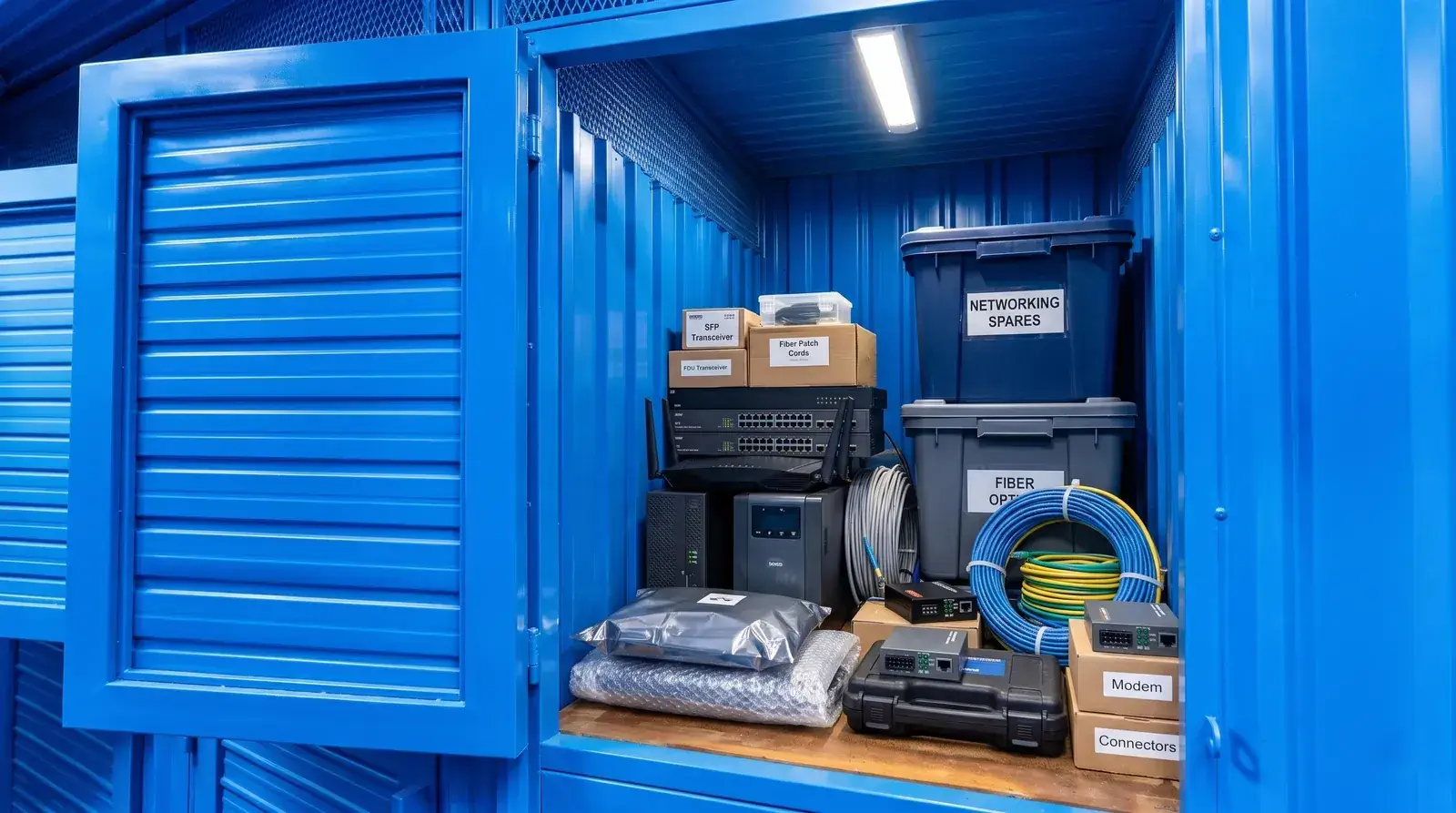
As technology moves on at speed, upgrading a phone, laptop or monitor every few years has become routine. After each upgrade, though, people are often unsure what to do with the old laptop, the spare monitor or the pile of charging cables that all still work perfectly well.
Stored the wrong way, sensitive electronics degrade quickly through humidity in the air, swollen batteries or mould on the circuit boards. This article walks you through sorting your devices, how to store electronics safely, and choosing the safest storage space so your spare tech lasts as long as possible.
1. Keep Or Sell Your Old Tech?
Old laptops, monitors and tech accessories are worth keeping only if they still run reliably, serve as a backup when your main machine fails, or support future study and work projects. If a device is too outdated, the repair bill exceeds its real value, or the battery shows unsafe swelling, the owner should sell it, donate it or take it to a dedicated e-waste collection point.
Devices worth keeping
Not every piece of old electronics belongs in the bin; many still earn their keep when reused with a clear purpose:
- An old laptop that still runs well: Use it as a second computer for a child's online classes, a home file server, or a backup machine while your main laptop is in for repair.
- A standalone monitor: A second screen widens your workspace and lifts multitasking productivity noticeably, or pairs with a TV box for entertainment.
- Good-quality peripherals: Mechanical keyboards, wireless mice, standalone webcams, noise-cancelling headphones and portable drives still work well with newer computers.
- Genuine chargers and adapters: Cables from the major brands last well and are handy when you want one set at the office and one at home.
When to sell, give away or recycle
Holding on to items that no longer serve a purpose only crowds your space, while storing things properly actually plays a part in cutting waste and wasted resources:
- Hardware too old to upgrade: The device no longer supports current operating systems, cannot run basic applications, or is simply too slow to be useful.
- Replacement parts cost too much: A badly striped screen or an intermittent mainboard fault where the repair costs almost as much as a newer second-hand machine.
- Frayed cables or faulty accessories: Cables with internal breaks and chargers of unknown origin carry a real risk of electrical fire and should be discarded straight away.
- Swollen or deformed batteries: This is a serious fire hazard: remove the battery and take it to a hazardous-waste collection point. Never keep it in the house.
The downside of keeping tech at home
Hoarding electronics badly in your living space creates a string of everyday problems:
- It eats into desk and cupboard space: Bulky monitor boxes and crates of parts push into the bedroom or living room, when there are plenty of ways to optimise space in a small apartment without throwing anything away.
- Tangled cables that go missing: Power leads and signal cables that are not coiled properly knot together, making it slow and frustrating to find the connector you need.
- Devices that fail quietly because of the weather: Vietnam's tropical monsoon climate, with average humidity above 80% in the rainy season, is the main culprit behind rusted connector pins, mould on camera lenses and peeling anti-glare coatings on screens.
2. How To Store Laptops, Monitors And Accessories
To protect electronics you will not use for a while, clean off the dust, back up all your data, power everything down fully and wrap it in shock-absorbing material. The ideal storage environment must be dry and well ventilated, holding a steady 15°C to 25°C with air humidity below 60% to stop condensation from shorting the circuit boards.
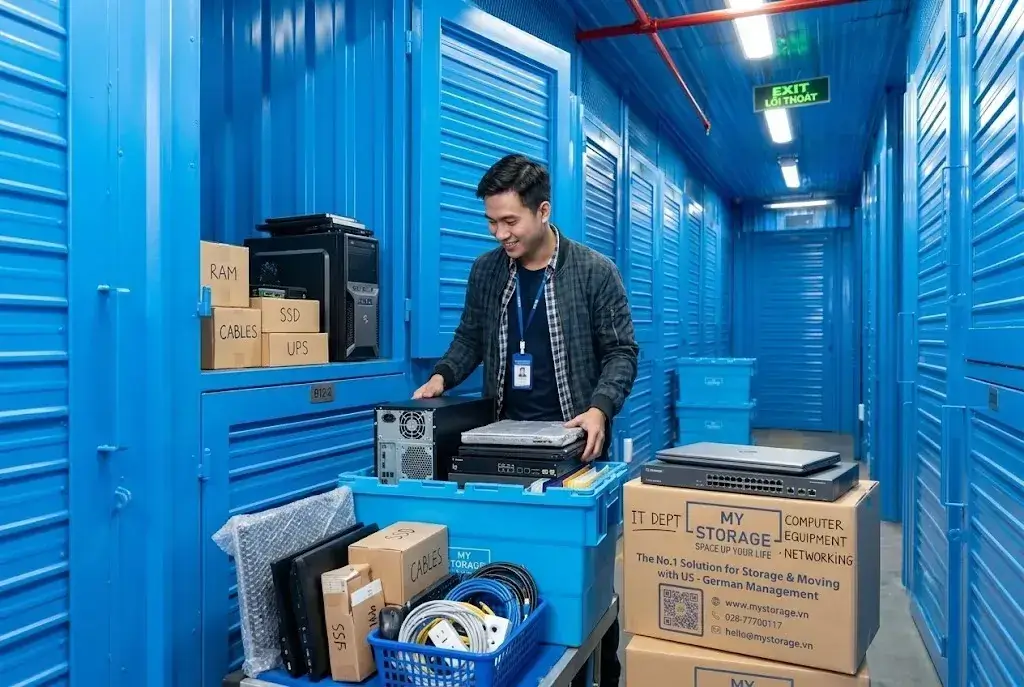
How to store a laptop or computer
Storing a laptop takes care on both the software and the hardware side before it goes into a box:
- Back up your data and sign out of accounts: Move personal files to the cloud or an external drive, and sign out of banking and email accounts to protect your information.
- Clean the surfaces and cooling vents: Blow dust out of the keyboard and ports with compressed air; wipe the screen and casing with a soft microfibre cloth dampened with a mild, purpose-made cleaning solution.
- Look after the lithium-ion battery properly: Major technology makers advise charging or discharging the battery to around 50% before long-term storage; never store a machine at 0% or at a full 100%.
- Pack against shocks and moisture: Lay a thin cloth between the keyboard and the screen to avoid scratches, put the machine in a padded sleeve, and add two or three silica-gel sachets before boxing it.
How to pack and protect a monitor
A computer monitor is fragile and cracks easily under concentrated pressure:
- Use the original box and foam wherever possible: If you still have the manufacturer's carton and moulded foam, that is the best protection against impact there is; if the original box is long gone, choose the right replacement carton.
- Protect the display panel: Without the original box, wrap several layers of bubble wrap around the monitor and cover the front of the panel with stiff cardboard before adding stretch film.
- Never stack anything heavy on the screen: Stand the monitor upright or lay it glass-side up, and never put anything heavy on the display surface.
Sorting cables and accessories
Organising accessories methodically lets you reuse them later without worrying about kinked or internally broken wires:
- Coil cables in their natural loop: Coil cables to a diameter of 10cm to 15cm, avoid sharp folds and do not pull the connectors taut, which breaks the copper core inside.
- Secure with Velcro ties: Use reusable hook-and-loop ties rather than rubber bands; after a few months in a tropical climate, rubber goes sticky and clings to the cable jacket, ruining it.
- Label every charger: Note which device each charger belongs to and its output in volts (V) and amps (A), so you never plug in the wrong supply and damage components.
- Compartment boxes: Keep mice, headphones and adapters in lidded plastic boxes with separate compartments to shut out dust and insects.
Ideal temperature and humidity
Environmental conditions decide the lifespan of every semiconductor and circuit board you store:
- Control the air humidity: The optimal humidity for stored electronics is 40% to 55%; above 70%, water vapour starts condensing on metal surfaces and rusting chip pins. A dehumidifier in storage is essential equipment for long-term storage.
- Keep heat sources away: Do not store tech near a window in direct sunlight, on top of a fridge or beside an air-conditioner condenser, as heat degrades plastic casings and swells batteries.
- Keep it off the floor: Always place devices on a wooden shelf or metal rack at least 20cm off the floor to guard against moisture rising from the tiles; see also how to protect belongings from damp in the rainy season during humid spells.
3. Where Should You Keep Old Tech?
Where you keep your tech depends directly on how many devices you have, how long you plan to store them and how strict the environmental requirements are. For a few small items, a dedicated drawer in an air-conditioned bedroom works well; but once the pile grows or you are moving house, renting a proper air-conditioned self-storage unit is the best way to protect your assets.
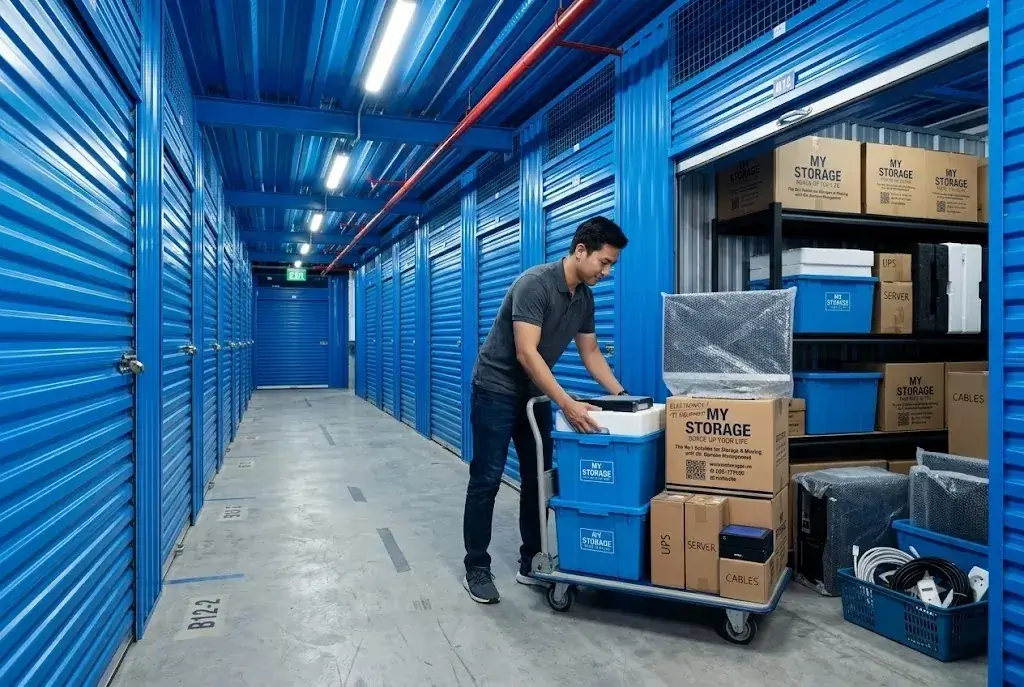
Storing at home in purpose-made boxes
This is the most common approach for people with only a handful of spare devices:
- Sealed plastic crates with a rubber gasket: Waterproof crates with firm latches isolate devices completely from the humidity in the air outside.
- Add rechargeable desiccant: Put silica-gel sachets or a mini dehumidifier inside the crate and replace them every three to six months.
- Where to put the crate: Keep it in a wardrobe or under a desk in rooms that are air-conditioned regularly, well away from balconies, the kitchen and the bathroom.
Leaving things with family or at the office
This option is usually a stopgap while you renovate your home or travel for work:
- It frees up space immediately: Your home is tidy straight away, with no rental cost.
- The storage conditions are a risk: You cannot control whether someone drops something, or puts a device somewhere damp and dusty.
- Agree who is responsible: Pack and seal everything carefully in taped cartons before handing it over, so accessories do not go missing.
Renting air-conditioned self-storage
When your old tech, computer monitors and office equipment outgrow what the house can hold, self-storage is the ideal answer:
- A properly cooled environment: Modern self-storage facilities run industrial air conditioning that holds a steady temperature below 25°C with tight humidity control, so electronic components do not age prematurely.
- Maximum security and privacy: Each customer has their own unit with a personal lock, plus warehouse security with 24/7 CCTV, smoke detection and automatic fire alarms approved by the fire authority.
- Access on your own terms during opening hours: You can drop in to collect a device or add more items within service hours, without depending on anyone else's schedule.
Comparing the storage options
The table below gives an overview to help you pick the right way to store your electronics:
| Criteria | Storing at home | With family or at the office | Air-conditioned self-storage |
|---|---|---|---|
| Monthly cost | Completely free. | Usually free, or a small thank-you gift. | A flexible rental fee by size. |
| How easy it is to get things out | Very easy, right there at home. | Depends on the other person's availability. | Flexible: you come and go with your own code. |
| How much space it frees up | Poor; the house is still cramped. | Reasonably good in the short term. | Excellent; it frees up the house entirely. |
| Humidity and temperature control | Hard to maintain through the rainy season. | Very hard to control as you would like. | Continuous climate control (below 25°C, under 60% humidity). |
| How safe your devices are | Average; easily knocked in daily life. | Some risk of items being moved or lost. | Very high, with security staff, CCTV and your own lock. |
If you are still weighing the two up, our analysis of renting storage versus keeping things at home will help you balance the total cost before deciding.
4. Mistakes To Avoid When Storing Electronics
Many people assume that boxing up their tech and shoving it in a cupboard is enough, but exactly these careless habits are why expensive laptops deteriorate within a few months. Spotting the common mistakes below will protect both your devices and your home.
Packing while the device is still damp or dirty
Storing equipment before it is properly cleaned is the leading cause of damage to surfaces and components:
- Sweat and fingerprints cause oxidation: Grease and sweat from your fingers on metal surfaces or keys corrode the coating and create the conditions for mould.
- Sealing moisture inside a plastic bag: Wrapping a device in a sealed bag while it is still warm from use creates condensation inside the circuitry, which shorts out the next time you switch it on.
Handling lithium-ion batteries badly
The battery is the most dangerous component in any portable device if it is not treated correctly:
- Leaving the battery flat for a long time: When a lithium-ion cell drops below its safe voltage, the protection circuit locks permanently, the battery dies completely and will not take a charge again.
- Storing a machine with a swollen battery: Swelling means flammable gas has built up inside; if the casing tears or takes even a light knock, the chemical reaction ignites fiercely and is very hard to put out with ordinary water.
No labels and no inventory
Sloppy record-keeping costs you a great deal of time whenever you need to find something again:
- No label on the outside of the box: After a few months you will not remember which carton holds the charging cables and which holds the monitor, so you end up emptying everything. Applying a methodical warehouse organisation system to your household cupboards will help you find things far more quickly.
- No schedule for topping up batteries: Any device with a battery should be taken out, checked and charged back to 50% every six months to keep the cell chemistry stable.
5. Storage Solutions For Small Spaces
When your apartment or townhouse no longer has room for crates of equipment, replanning the space and following a disciplined process is the key to solving the problem for good. Moving rarely used items out of your daily living area gives you a more open, inspiring and safer home for the whole family.
Checklist before putting things into storage
Before you box up your tech for long-term storage, work through every check below:
- Back up all important data to an external drive or a cloud storage service.
- Sign out of every personal account, clear security codes, and remove memory cards and SIMs from devices.
- Check the physical condition of the battery, make sure it sits at around 50% and shows no sign of swelling.
- Clean off dust and dry the body of the machine and all its ports completely.
- Coil cables to their natural diameter, secure them with Velcro ties and label each one.
- Wrap the body in bubble wrap and pad the monitor panel with foam.
- Put a silica-gel sachet in every box and label the outside with a list of what is inside.
When is self-storage the right choice?
It is worth moving your things into a professional self-storage facility in these situations:
- Your home workspace is shrinking because of spare monitors, old desktop PCs and bulky accessories.
- A business or individual is moving house or refitting an office and needs somewhere to store furniture and office equipment safely, along with the whole IT setup, for one to six months.
- You want to keep tech with sentimental value, or need to store a collection and cameras safely, but your home cannot control temperature and humidity properly.
- You are going away for 6 to 24 months and need storage while studying abroad for 6 to 24 months for all your equipment while the house is empty.
MyStorage: secure air-conditioned self-storage in Ho Chi Minh City
If you are looking for storage that meets proper standards for high-value electronics in Ho Chi Minh City, MyStorage is a partner you can rely on:
MyStorage self-storage offers a smart solution with a range of flexible mini-unit sizes, from mini lockers of a few cubic metres through to private rooms from 6m² to over 30m², across the MyStorage facility locations in Thu Duc City and nearby areas.
- Air-conditioned cool storage: The storage space is held below 25°C with humidity steady under 60%, minimising the risk of mould, corroded circuit boards and perished rubber on electronic devices.
- Strict security and fire safety: The site is monitored continuously by 24/7 CCTV, access is controlled by a personal code, and the automatic fire alarm system is approved by the relevant authority.
- Flexible rental terms: Customers rent by the month and can easily change room size when they need to add more items, with no long-term contract.
- Help with transport: MyStorage offers door-to-door collection and packing support using purpose-made packing materials, saving you time and effort.
Not sure how many cubic metres your equipment needs? Photograph your items and let the MyStorage AI Size Estimator work it out:
A note on devices with batteries:
To keep the whole facility safe from fire, customers storing tech at MyStorage must check and confirm that their devices have no battery damage, swelling or chemical leakage. For devices with removable batteries, we encourage customers to take the battery out or store it according to the manufacturer's instructions.
Reference Storage Rental Prices
Below are reference prices for storing tech and personal belongings in Ho Chi Minh City:
| Type of space | Volume / area | Reference price | Best suited to |
|---|---|---|---|
| Smart locker | From 0.5 – 1.5 m³ | VND 350,000 – 600,000 / month | Accessories, cameras, lenses and small tablets. |
| Mini unit (cube) | From 2 – 4 m³ | VND 800,000 – 1,400,000 / month | Two or three PCs, monitors, spare laptops and accessories. |
| Small air-conditioned self-storage room | From 6 – 10 m² | VND 2,800,000 – 4,500,000 / month | A full tech setup or office electronics during a relocation. |
| Medium air-conditioned self-storage room | From 12 – 20 m² | VND 5,500,000 – 8,500,000 / month | IT equipment, servers and high-value household items. |
Please note: the prices above are indicative for the Ho Chi Minh City market in late 2026. Actual storage costs vary with the specific location, the environmental-control package and the contract term you choose.
Pick a storage type, size and temperature option to see today's MyStorage price instantly and book with an offer:
Make Space And Protect Your Tech
Old tech is still a valuable asset if you sort it sensibly and store it properly. Rather than letting machines gather dust in a corner or risking mould on the circuit boards, investing in a methodical packing routine and the right storage environment keeps your devices ready to work whenever you need them.
If you are looking for air-conditioned self-storage with proper temperature and humidity control and tight security for your tech in Ho Chi Minh City, get in touch with MyStorage for advice on the unit size that suits you best.
This article was written by the MyStorage team, drawing on our experience running storage services in Ho Chi Minh City; last updated October 2026. The prices given here are indicative at the time of writing.
Frequently Asked Questions
What battery level should a laptop be at for long-term storage?
Charge or discharge the battery to around 50% before storing it; never leave it at 0%, which kills the protection circuit, and avoid a full 100%, where the higher internal pressure in the cell makes swelling more likely.
Should I keep the original box and foam for a monitor?
Very much so, if you have room for it. The manufacturer's carton and moulded foam are the safest protection against a cracked panel when you need to move or store the monitor.
How do I stop charging cables breaking after months in a drawer?
Coil the cable to a diameter of 10cm to 15cm following its natural curve, secure it gently with a Velcro tie, and never fold the connectors sharply.
Should old electronics be sealed inside a plastic bag?
Not sealed, unless you add a desiccant sachet. In a tropical climate, humid air trapped inside the bag condenses into droplets as the temperature changes, causing mould and corrosion on the circuitry.
How often should I take stored electronics out to check them?
Check devices every three to six months: charge the battery back to 50%, inspect the desiccant sachets and run the machine for about 15 minutes to warm the components.
What do I do about a swollen laptop battery?
Stop charging or using a machine with a swollen battery immediately. Carefully remove the battery if it is removable, place it in a metal container and take it straight to a service centre or e-waste collection point for safe disposal.
Should a desiccant sachet touch the circuit board directly?
No. Once silica gel is saturated it can create localised humidity against the casing, so place the sachet in a corner of the box or a separate pocket in the padded sleeve.
Is air-conditioned self-storage really necessary for tech?
It is well worth it if you are storing expensive items such as cameras, optical lenses, graphics monitors or high-end laptops for a long period, because cool storage holds the temperature below 25°C and humidity under 60%, minimising the risk of mould.
Can I store a monitor at MyStorage without its original box?
Yes. MyStorage offers a packing service using several layers of bubble wrap, foam corner protectors and a protective carton before the item goes into the unit.
Do I need to remove the battery to store tech in self-storage?
For devices with a removable battery, manufacturers recommend taking it out and storing it separately, so any chemical leak cannot damage the metal contacts inside the machine.
Can I use rubber bands to tie cables in storage?
Definitely not. After a while in hot, humid conditions, rubber oxidises, goes sticky and clings to the cable jacket; it is very hard to clean off and ruins the insulation.
Should a stored monitor stand upright or lie flat?
Stand the monitor upright as you would use it, or lay it glass-side up. Never place it face-down or put anything on top of the glass.
Is there a limit on how often I can visit tech stored at MyStorage?
Customers renting at MyStorage can come and go from their unit without limit during the operating hours set out in the service agreement, to check on items, charge batteries or take equipment out.
How do I get the musty smell out of an old keyboard and mouse before storing them?
Use a cotton bud dipped in 70% isopropyl alcohol (IPA) to clean between the keys, dry the surfaces with a cloth, and leave the items in a sealed box with an activated-charcoal deodoriser sachet for about 24 hours.
What should I do if a device that has been stored for a long time will not power on?
Do not keep pressing the power button. Charge it for at least two to four hours, since the battery may be completely flat, then try again; if it still will not start, take it to a professional repair centre to check the power circuit.
Related articles
Article
Inventory Management in Excel: How to Build an In-Out-Balance File
A step-by-step guide to managing inventory in Excel for online shops: build the catalogue, goods-received, goods-issued and stock summary sheets, standardise SKUs, use SUMIF and XLOOKUP to…
Read article

Article
How to Manage Inventory for a Home-Based Online Shop
A practical guide to inventory management for a home-based online shop: standardise SKU codes, build an inbound-outbound-balance sheet, cycle count your stock, organise with FIFO and FEFO…
Read article

Article
Logistics and Industrial Real Estate: How They Connect, Market Trends and Opportunities
Logistics and industrial real estate are tightly linked in building a competitive edge for business. This article explains what the two fields are, the core logistics activities, the types…
Read article
